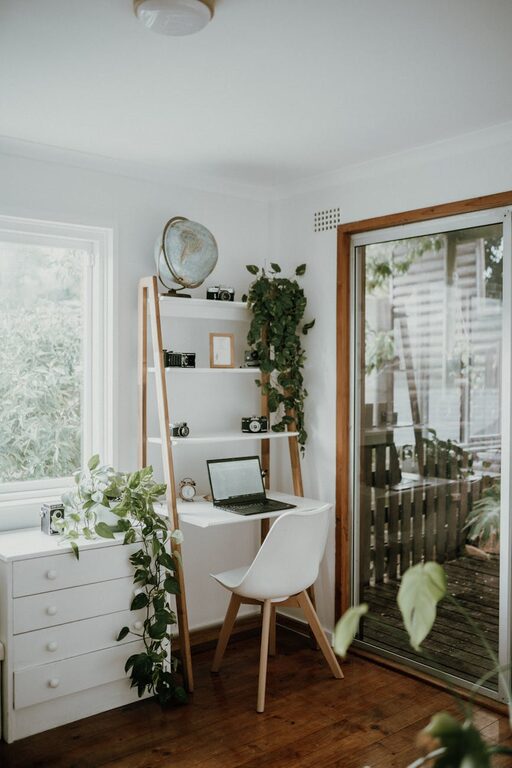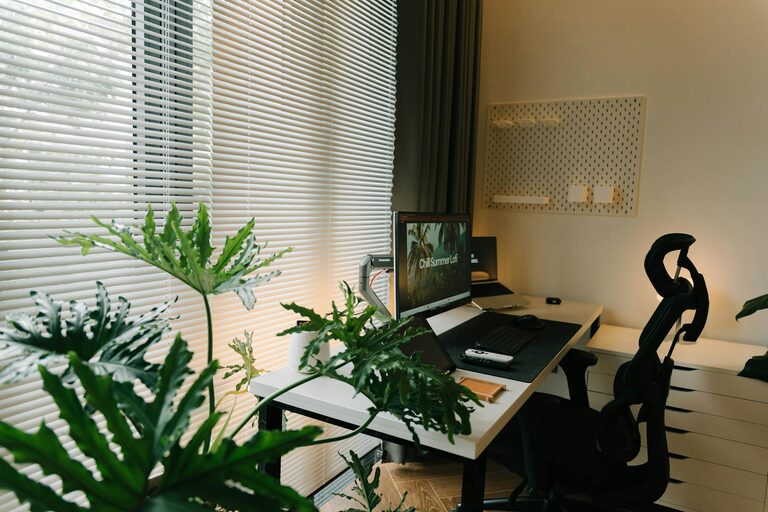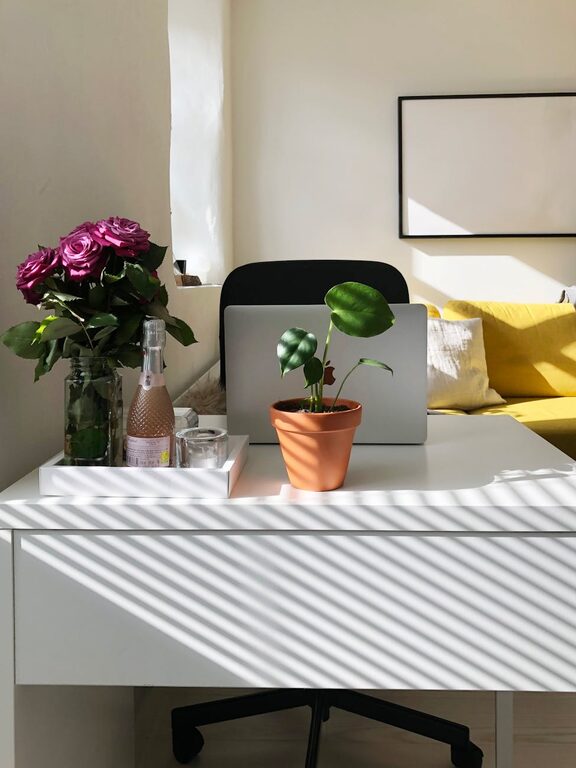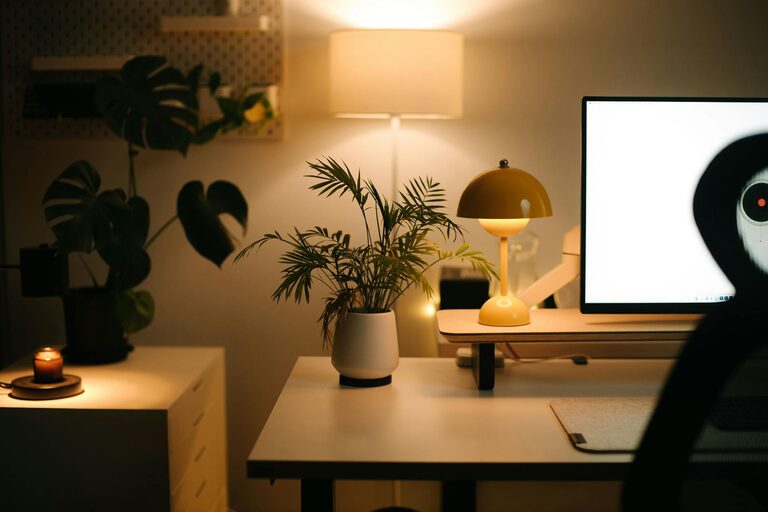
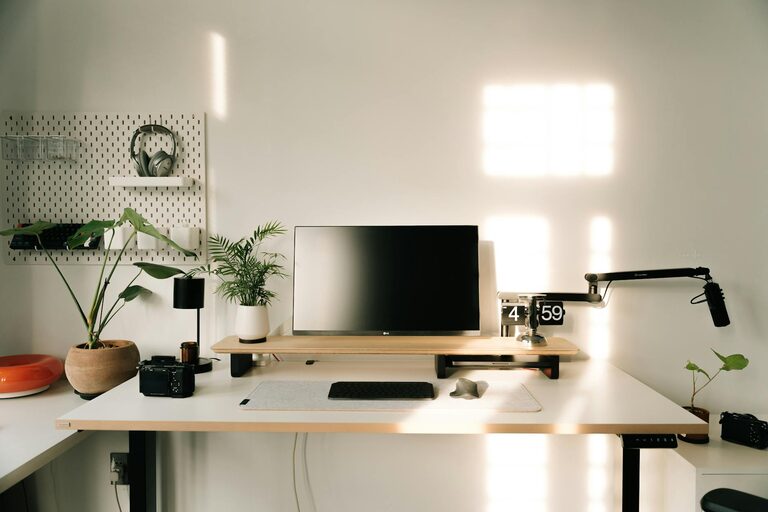
Creating a productive home office space is essential for anyone who works remotely or needs a dedicated area for writing, studying, or managing household tasks. An organized and comfortable environment not only improves efficiency but also supports your well-being throughout the day. Here are practical tips to help you design and maintain a home office that works for you.
Choose the Right Location
Find a Quiet, Well-Lit Spot
Start by selecting a location in your home that minimizes distractions. Ideally, pick a quiet corner or room away from busy household areas. Natural light is a bonus—it keeps your workspace bright and can improve your mood. If natural light is limited, use adjustable lighting options to reduce eye strain.
Use a Dedicated Space
Even if space is limited, try to designate a specific spot for work. Avoid working from your couch or bed to help create a mental boundary between work and relaxation.
Invest in Ergonomic Furniture
Select a Comfortable Chair
A good chair is key to maintaining focus and preventing back pain. Look for chairs that support good posture, with adjustable height and lumbar support.
Choose an Appropriate Desk
The desk should suit your work needs and fit the room size. Consider adjustable desks if you want the option to alternate between sitting and standing.
Declutter and Organize
Keep Essentials Close
Only keep the items you need daily on your desk—like your computer, notepad, and a few pens. This reduces clutter and helps you stay focused.
Use Storage Solutions
Incorporate shelves, filing cabinets, or baskets to store paperwork and office supplies. Label storage to make it easier to find things when you need them.
Utilize Cable Management
Tangled cables can be distracting and unsafe. Use cable clips, sleeves, or boxes to keep cords neat and organized.
Personalize with Purpose
Add Plants or Art
A bit of greenery or art can create a more inviting atmosphere and reduce stress. Choose items that inspire without overwhelming your space.
Use a Vision Board or Calendar
Keeping a calendar or a board with goals and deadlines in view helps you stay on track and motivated.
Optimize Technology Setup
Position Your Monitor Properly
The top of your screen should be at eye level to reduce neck strain. Use a monitor stand or stack books if necessary.
Ensure Reliable Internet
A strong internet connection is vital for most home office work. Test your connection speed and consider upgrades if needed.
Invest in Helpful Accessories
Items like a wireless mouse, keyboard, or noise-canceling headphones can significantly improve comfort and productivity.
Establish Daily Routines
Set Office Hours
Define when you start and stop working to create boundaries and prevent burnout.
Take Regular Breaks
Brief breaks every hour can refresh your mind and improve concentration.
Maintain Your Space
Spend a few minutes at the end of each day tidying your workspace to start the next day with a clean slate.
Optimize for Focus
Minimize Distractions
Turn off unnecessary notifications and consider apps that help block distracting websites during work hours.
Use Background Music or White Noise
If silence is distracting, soft music or white noise can help maintain focus.
Final Thoughts
A productive home office is more than just a desk and chair—it’s a thoughtfully designed environment tailored to your work habits and comfort. By organizing your space effectively and incorporating these practical tips, you can create a home office that supports your best work every day. Remember, small changes can make a big difference in how you feel and perform. Happy organizing!
About the Author