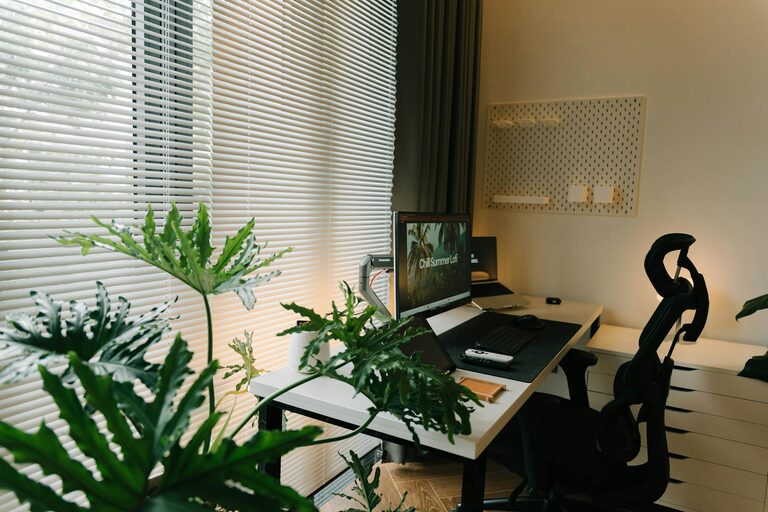
Creating a home office that feels inviting and boosts productivity can make a significant difference in your work-from-home experience. Whether you have a dedicated room or a small corner, thoughtful design and organization can transform your workspace into a place where you enjoy spending time and getting things done. Here are some practical tips to help you set up an inspiring and efficient home office.
Choose the Right Location
Consider Natural Light
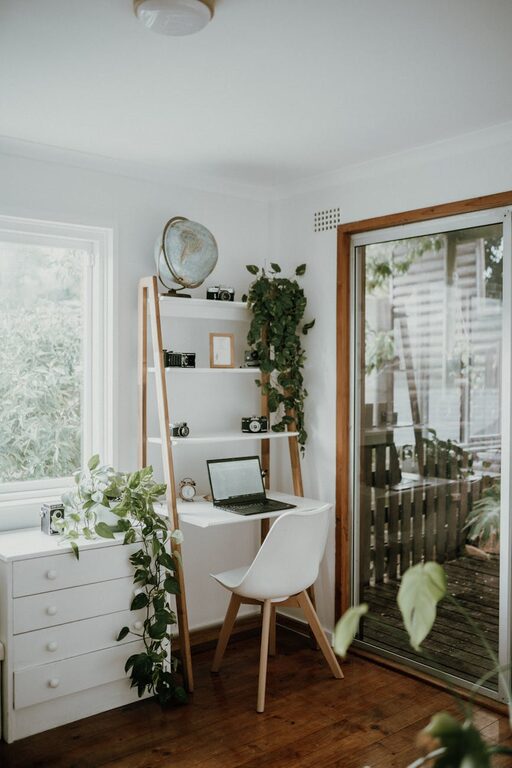
A spot near a window can provide natural light, which benefits both your mood and focus. Avoid glare on your computer screen by positioning your desk perpendicular to the window rather than directly in front or behind it.
Minimize Distractions
Select a quiet area in your home where household noise is minimal. If possible, choose a space separate from high-traffic areas to help you concentrate better.
Invest in Comfortable Furniture
Ergonomic Chair
Comfort is key during long working hours. Invest in a chair that supports your back and allows you to sit comfortably upright. Adjustable features like seat height and armrests improve posture and reduce discomfort.
Functional Desk
Choose a desk that fits your space and work needs. If you use multiple monitors or require paperwork space, pick a desk large enough to accommodate your setup without feeling cramped.
Organize Your Workspace
Declutter Regularly
An uncluttered workspace helps maintain focus. Keep only essential items on your desk to minimize distractions.
Storage Solutions
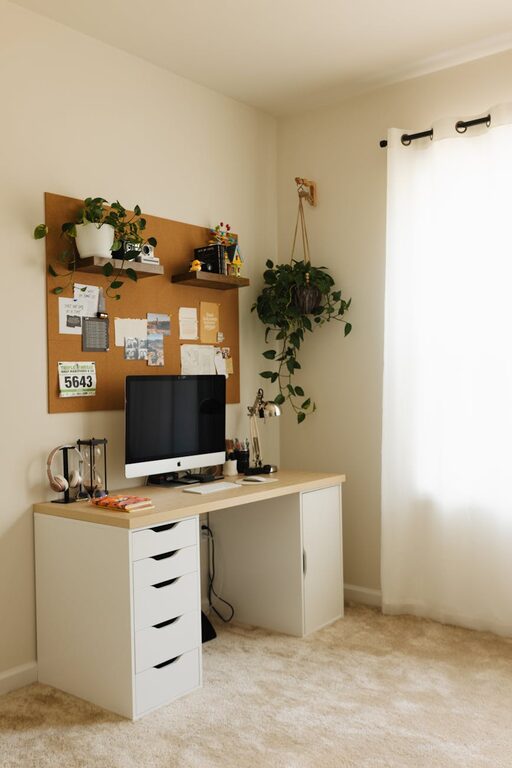
Use shelves, drawers, or organizers to store supplies, documents, and equipment. Clear containers or labeled boxes make it easier to find what you need quickly.
Cable Management
Messy cables can be distracting and unsafe. Use cable clips, sleeves, or cable trays to keep wires neat and out of the way.
Optimize Lighting
Layer Your Lighting
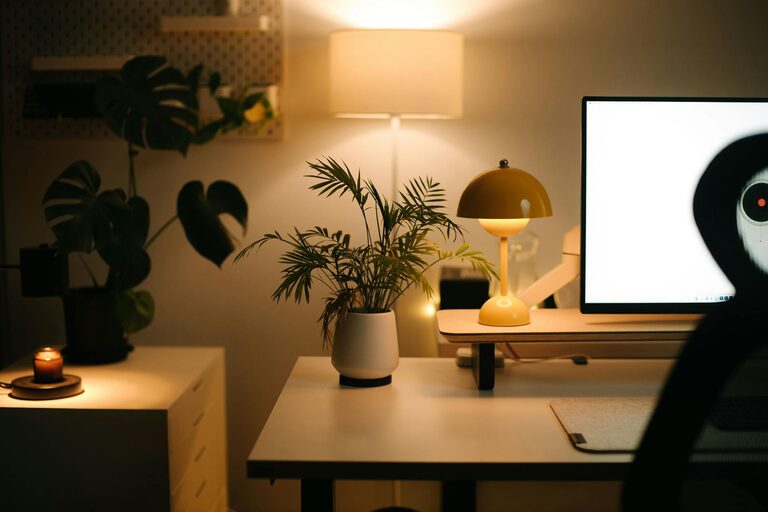
Combine natural light with ambient and task lighting. Use a desk lamp to illuminate your work area during darker hours without relying solely on overhead lights.
Choose Bulbs Wisely
Select LED bulbs with a neutral white color temperature (around 4000K) to reduce eye strain and create a pleasant working atmosphere.
Personalize Your Space
Add Plants
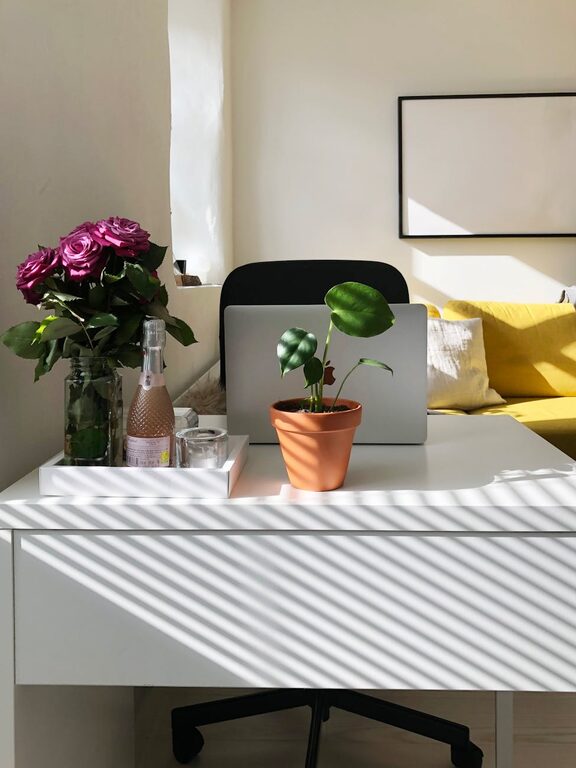
Indoor plants improve air quality and add a touch of nature, which has been shown to reduce stress and increase productivity.
Decorate Thoughtfully
Incorporate artwork, photos, or inspirational quotes that motivate you without overwhelming your desk space.
Use Calming Colors
Soft, neutral tones or colors like blue and green can create a soothing environment conducive to focus.
Set Boundaries and Maintain Routine
Define Office Hours
Even at home, setting specific work times helps you stay disciplined and separates work from personal life.
Create a Morning Routine
Start your day as if you were going to an office—dressing appropriately and preparing your workspace—this can mentally prepare you for the work ahead.
Enhance Technology Setup
Reliable Equipment
Ensure your computer, internet connection, and other devices are dependable to avoid technical frustrations.
Use Headphones
Noise-canceling headphones can help you focus by blocking out background noise, especially if you can’t control household sounds.
Maintain Air Quality and Comfort
Ventilation
Good airflow helps you stay alert and comfortable. Open windows when possible or use fans and air purifiers.
Temperature Control
Keep your workspace at a comfortable temperature to avoid distraction from being too hot or cold.
—
By thoughtfully arranging your home office with these tips, you can create a space that feels welcoming and supports a productive workday. Small changes, like improving lighting or organizing cables, add up to a more enjoyable and efficient work environment. Happy working!
About the Author