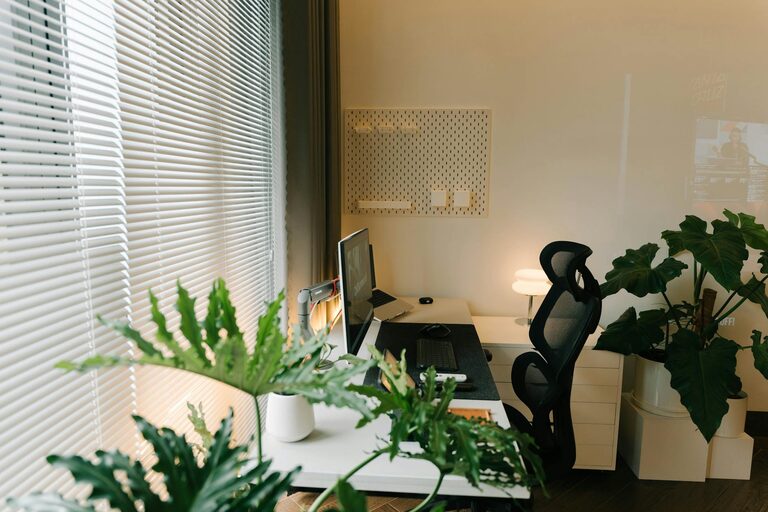
Creating a comfortable and productive home office is essential for anyone who works from home or frequently handles tasks remotely. A well-designed workspace not only enhances focus but also supports your physical well-being and motivation throughout the day. This guide shares practical tips to help you transform any space into an effective home office.
Choose the Right Location
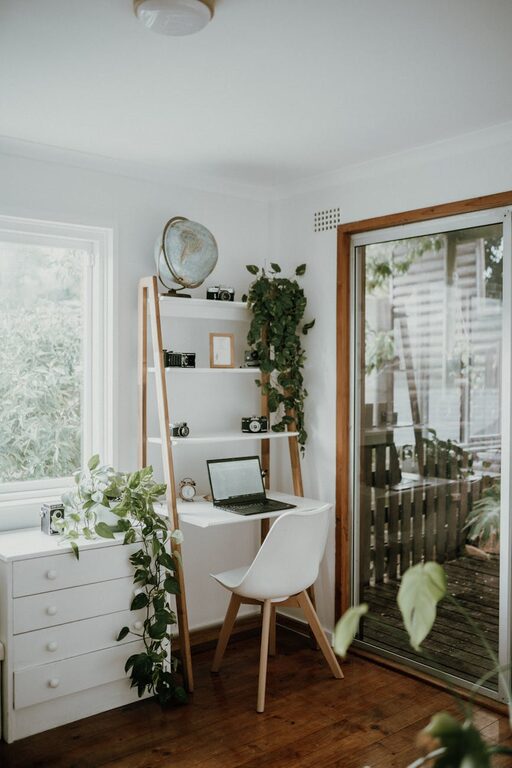
Your home office should be in a quiet, low-traffic area of your home to minimize distractions. Preferably, select a spot with natural light, such as near a window, which can improve mood and reduce eye strain. If space is limited, even a corner of a living room or bedroom can be organized efficiently.
Invest in Ergonomic Furniture
Comfort and posture are key in maintaining long hours of work without discomfort.
– Desk: Opt for a desk at a height that allows your forearms to rest parallel to the floor.
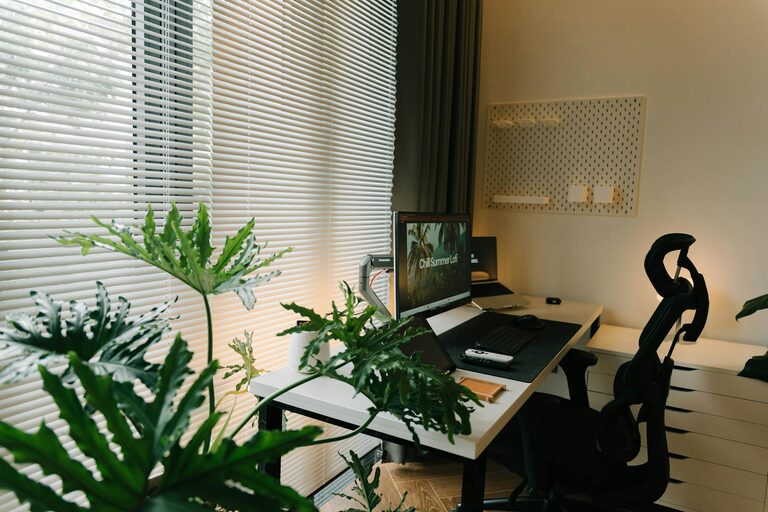
– Chair: Choose an ergonomic chair that supports your lower back, encourages good posture, and has adjustable height.
– Accessories: Using a monitor stand, keyboard tray, or footrest can enhance comfort and reduce neck or wrist strain.
Optimize Lighting
Proper lighting is important to reduce eye fatigue and maintain alertness.
– Natural light: Position your workspace to take advantage of daylight.
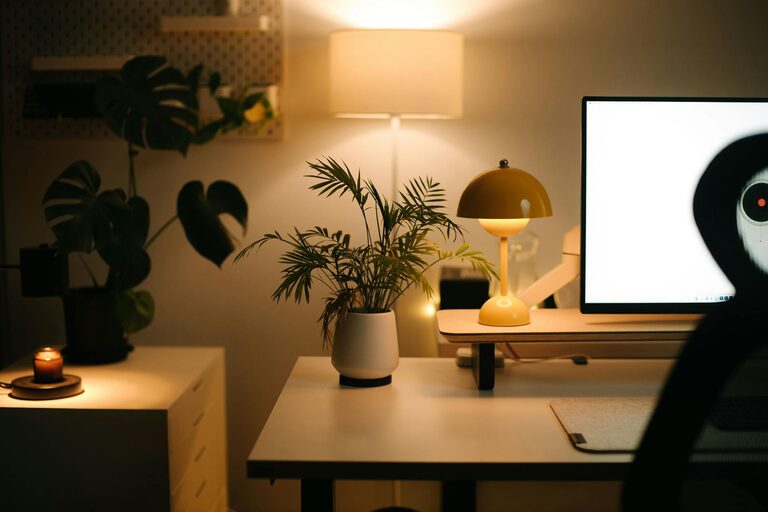
– Task lighting: Use a desk lamp with adjustable brightness for focused lighting, especially for reading or detailed work.
– Avoid glare: Arrange screens and lighting to prevent glare which may cause strain.
Organize Your Workspace
A clutter-free space supports concentration and efficiency.
– Declutter regularly: Remove unnecessary items from your desk.
– Storage solutions: Use shelves, filing cabinets, or drawer organizers to keep documents and supplies tidy.
– Cable management: Use clips or ties to keep cords organized and out of the way.
Incorporate Personal Touches
Adding a few personal items can make your office feel inviting and motivating.
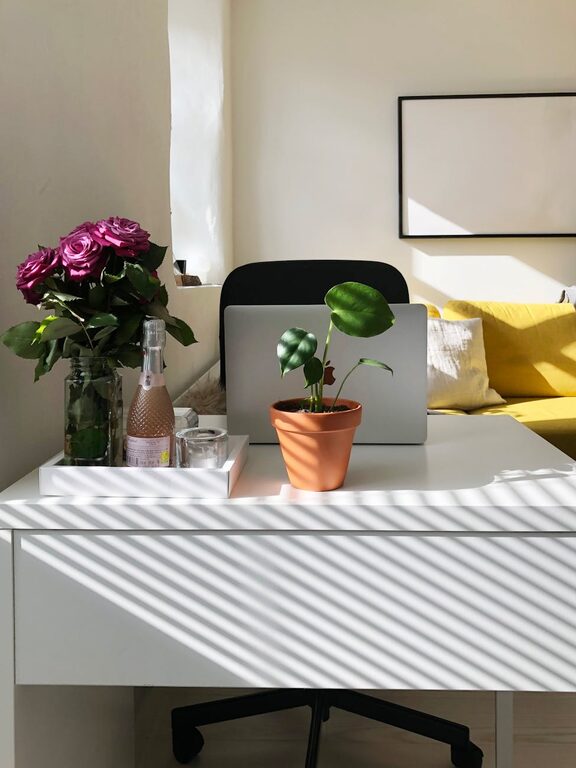
– Plants: Small indoor plants add freshness and improve air quality.
– Artwork or photos: Choose calming or inspiring images to personalize your space.
– Color scheme: Select colors that boost energy or calmness depending on your preference.
Set Boundaries and Routine
Especially when working from home, clear boundaries help maintain productivity.
– Define work hours: Stick to a schedule to separate work from leisure.
– Signal availability: If living with others, use signs or open/closed door cues.
– Take breaks: Short breaks improve focus and reduce fatigue.
Utilize Technology Wisely
Choose tools that enhance your workflow and reduce frustration.
– Reliable internet: Ensure a strong internet connection for video calls and online tasks.
– Ergonomic accessories: Consider a wireless mouse or keyboard.
– Software: Use apps for task management, communication, and minimizing distractions.
Maintain Cleanliness and Air Quality
A clean, fresh environment supports health and productivity.
– Regular cleaning: Dust and wipe surfaces frequently.
– Air circulation: Keep windows open when possible or use an air purifier.
– Comfortable temperature: Adjust heating or cooling to suit your comfort.
Conclusion
Setting up a home office that balances comfort and productivity doesn’t have to be complicated. Focusing on location, furniture, lighting, and organization can make a big difference in your workday experience. By tailoring your space to your needs and habits, you can create an environment that supports your best work while making working from home enjoyable.
About the Author