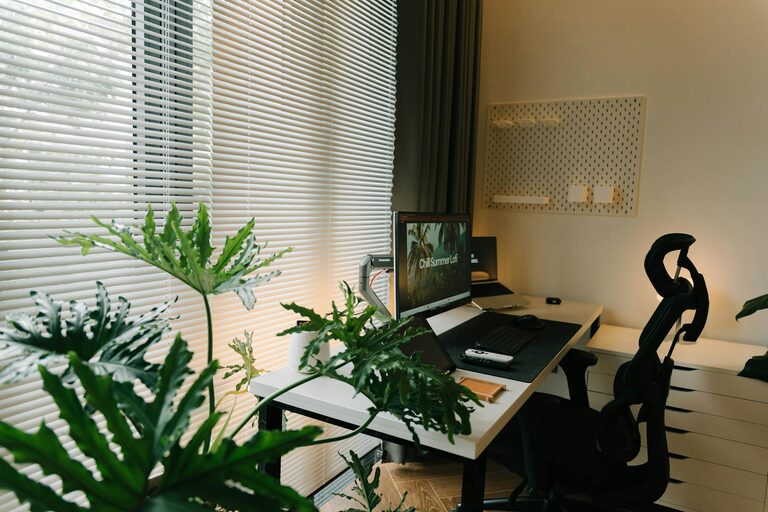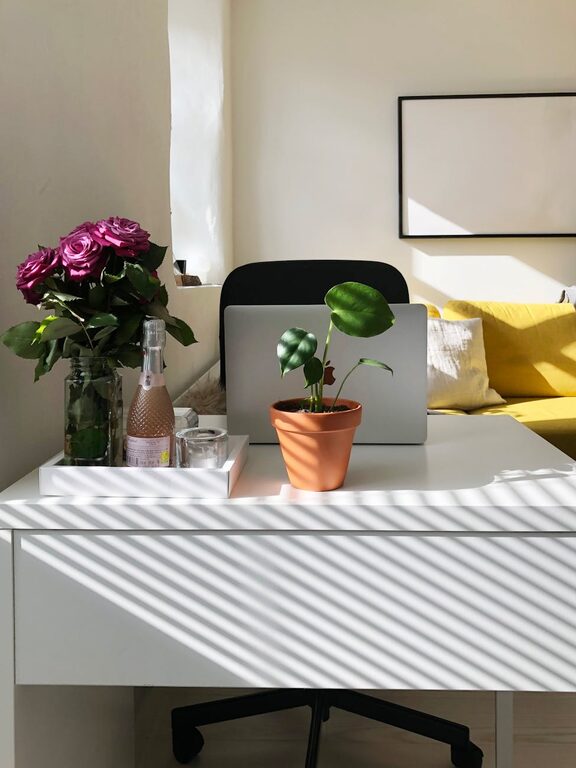

Creating an organized and clutter-free workspace is more than just keeping your desk tidy. It plays a crucial role in boosting productivity, reducing stress, and encouraging creativity. Whether you work from home or in an office, setting up a workspace that promotes efficiency can make a significant difference in your daily routine.
In this post, we will explore actionable tips to help you organize your workspace effectively and maintain a clutter-free environment that supports your best work.
Why Organizing Your Workspace Matters
Before diving into the tips, let’s understand why an organized workspace is important:
– Improves focus: A clean area minimizes distractions, allowing you to concentrate better.
– Reduces stress: Clutter can increase feelings of anxiety, whereas order creates a calming effect.
– Saves time: When everything is in place, you spend less time searching for items.
– Enhances creativity: A tidy space encourages fresh ideas and clearer thinking.
With these benefits in mind, let’s look at how to achieve a workspace that works for you.
Assess Your Current Workspace
Start by taking a close look at your current setup.
– Clear the surface: Remove everything from your desk so you can start fresh.
– Sort items: Group everything into categories such as essentials, non-essentials, and things you rarely use.
– Decide what to keep: Keep only what you need daily within arm’s reach.
This assessment helps you understand what clutter exists and what can be eliminated or stored elsewhere.
Set Up Functional Zones
Designate areas in your workspace for different purposes to create order and efficiency.
– Work zone: Place your computer, keyboard, and frequently used tools here.
– Reference zone: Keep books, manuals, or notes you often refer to nearby.
– Storage zone: Use drawers or shelves for less frequently used items.
By organizing your desk into zones, you can streamline your workflow and reduce unnecessary movement or distractions.
Use Storage Solutions Wisely
Having the right storage options helps keep your workspace tidy.
– Desk organizers: Use trays, pen holders, and compartments to separate small items.
– Filing system: Invest in folders or file boxes to store papers neatly.
– Shelves and drawers: Keep supplies and equipment off your desktop but within easy reach.
Remember, the goal is to have a place for everything, making it simple to put things away.
Declutter Digitally
Physical clutter is not the only concern—a cluttered digital workspace can also impact productivity.
– Organize files: Create clearly named folders on your computer.
– Close unused tabs: Limit your open browser tabs to those relevant to your current tasks.
– Delete duplicates: Remove unnecessary documents and old files regularly.
Maintaining both your physical and digital spaces can lead to better focus and less distraction.
Establish Daily and Weekly Habits
Creating a clutter-free workspace is not a one-time task but an ongoing process.
– End-of-day tidy: Spend 5-10 minutes each day putting items back in place and clearing your desk.
– Weekly review: Go through papers, supplies, and digital files once a week to keep everything organized.
– Limit new clutter: Before bringing new items into your workspace, ask if they are necessary.
Developing these habits will help maintain your organized environment over time.
Personalize Without Overdoing It
Adding personal touches can make your workspace inviting and motivating, but be mindful not to overdo it.
– Choose meaningful objects: A few photos or inspirational quotes can boost your mood.
– Use plants: Small, easy-care plants improve air quality and create a relaxing atmosphere.
– Avoid excess decoration: Too many items can distract and contribute to clutter.
Balance personalization with simplicity for a professional yet comfortable workspace.
Optimize Lighting and Ergonomics
An organized workspace includes attention to lighting and comfort, which affect productivity.
– Natural light: Position your desk near a window if possible to benefit from daylight.
– Task lighting: Use adjustable lamps to reduce eye strain.
– Ergonomic setup: Arrange your chair, desk, and computer screen for good posture.
A comfortable and well-lit space supports your ability to work efficiently for longer periods.
Tips for Maintaining Motivation and Focus
Beyond organization, a few additional strategies can help keep you productive:
– Set clear goals: Use to-do lists or planners to prioritize tasks.
– Take breaks: Short breaks can refresh your mind and prevent burnout.
– Limit distractions: Turn off unnecessary notifications and keep personal devices away while working.
Pairing a clutter-free environment with good work habits maximizes your productivity.
—
By following these tips, you can transform your workspace into a clutter-free zone that supports your productivity and well-being. Remember, organization is a journey rather than a destination, so be patient and adaptable as you create your ideal work environment.
About the Author