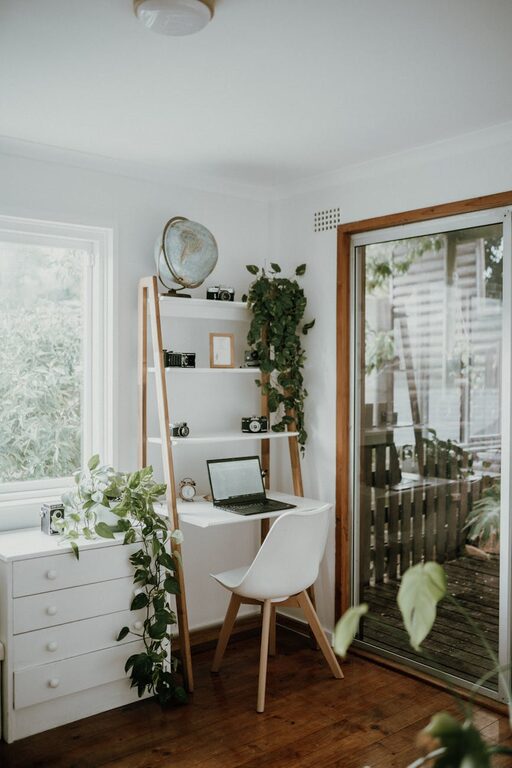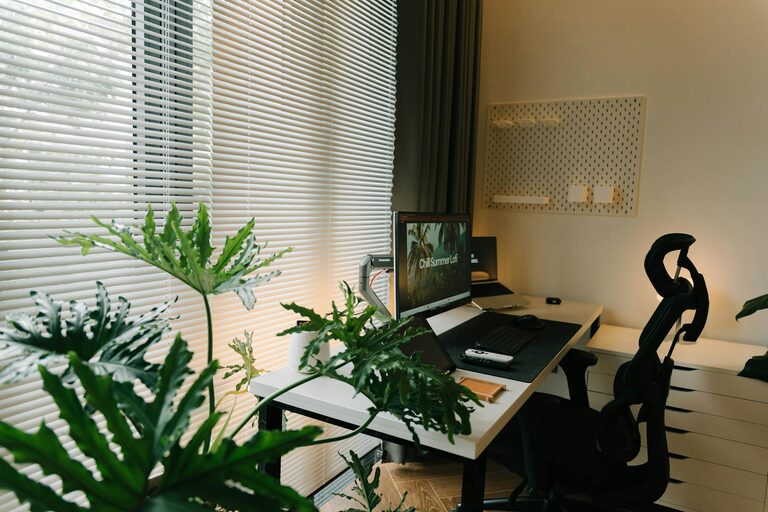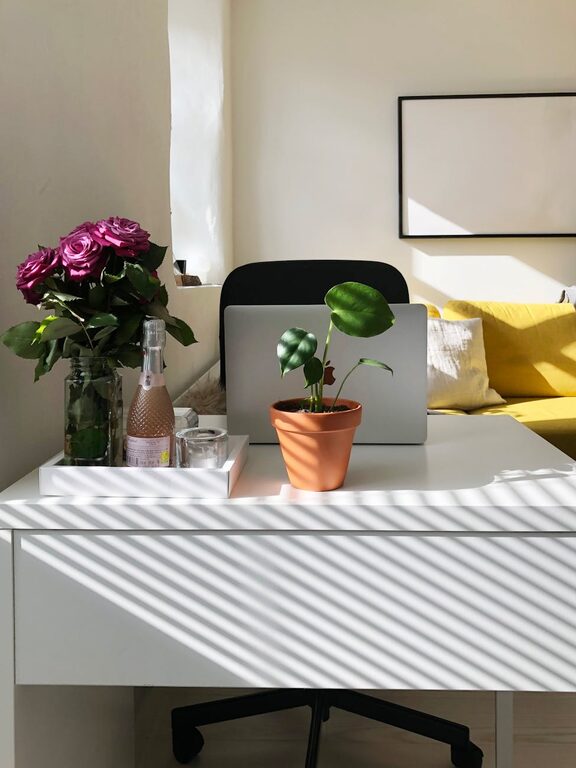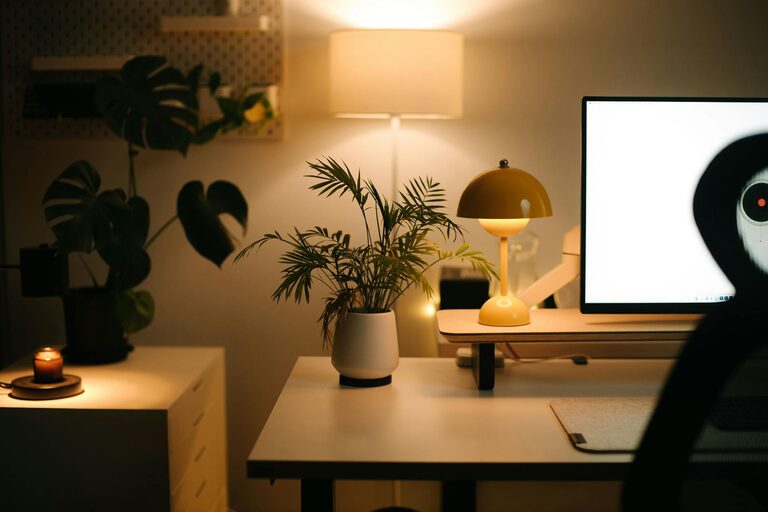
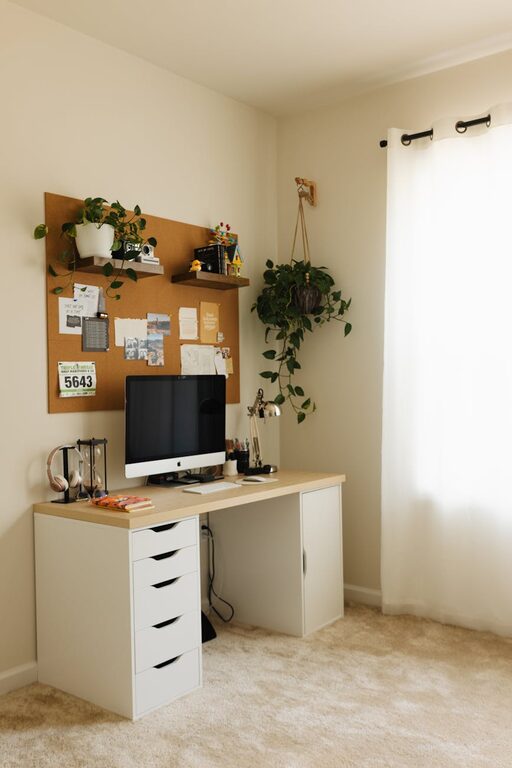
Creating a cozy and productive home office space is essential for making the most of your work-from-home experience. Whether you have a dedicated room or just a corner in your living area, thoughtful design can enhance comfort, focus, and motivation. In this post, we’ll walk you through practical tips to help you set up a workspace that feels inviting and supports your productivity.
Why a Cozy and Productive Home Office Matters
When working from home, your environment impacts how well you concentrate and manage tasks. A cozy space can reduce stress and make working feel more enjoyable, while a well-organized, functional office boosts efficiency. Combining both comfort and productivity elements creates a balanced setting to help you perform at your best.
Choosing the Right Location
Consider Natural Light
Natural light helps reduce eye strain and can boost your mood and energy. Try to position your desk near a window, but be mindful of glare on your computer screen. If natural light is limited, invest in quality lighting that mimics daylight.
Minimize Distractions
Select a spot away from noisy areas or household traffic. If that’s not possible, noise-canceling headphones can be a helpful addition to maintain focus.
Ergonomic Furniture for Comfort
Invest in a Supportive Chair
An ergonomic chair supports your posture and prevents back pain during long working hours. Look for adjustable height, lumbar support, and comfortable cushioning.
Choose the Right Desk
Your desk should fit well in your space and provide enough room for your computer, notes, and essential supplies. Adjustable standing desks are an option if you want to alternate between sitting and standing.
Personalize Your Space with Decor
Add Cozy Textures
Incorporate items like a soft rug, cushions, or a throw blanket. These elements warm up the space and make it feel inviting.
Use Calming Colors
Soft, neutral colors or pastels can create a calming background that reduces stress. You may also add a few colorful accents to inspire creativity.
Display Meaningful Items
Photos, artwork, or motivational quotes can add a personal touch that keeps you inspired and connected to your space.
Organize Smartly for Efficiency
Declutter Regularly
A tidy workspace minimizes distractions and helps clear your mind. Make it a habit to clean your desk at the end of each workday.
Use Storage Solutions
Shelves, drawer organizers, and boxes help keep supplies in order without cluttering your desk. Label your containers for even easier access.
Manage Cables
Prevent tangled cords by using cable clips or organizers. This keeps your desk looking neat and avoids potential hazards.
Enhance Focus with Technology
Use Quality Equipment
A reliable computer, keyboard, and mouse reduce frustration and help maintain your workflow. Consider dual monitors if your work involves multitasking.
Manage Notifications
Turn off non-essential notifications or use apps that help you stay focused. Setting specific work hours can also reduce distractions from apps and messages.
Incorporate Plants for a Refreshing Atmosphere
Plants improve air quality and add a natural, calming element to your workspace. Choose low-maintenance plants like succulents or snake plants if you don’t have a green thumb.
Establish Boundaries Between Work and Home Life
Set Clear Work Hours
Having a routine helps your brain switch “on” and “off” during workdays. Communicate your schedule with family members to minimize interruptions.
Dress for Success
Changing into work clothes can put you in a productive mindset, even if you’re not leaving the house.
Create a Shutdown Ritual
End your day by turning off your computer, tidying your desk, and stepping away from your workspace. This helps you mentally transition out of work mode.
Final Thoughts
Designing a cozy and productive home office doesn’t require a large budget or a dedicated room. With some planning and personal touches, you can create a workspace that supports focus, creativity, and comfort. Remember that a space tailored to your needs encourages not only productivity but also well-being throughout your workday.
About the Author