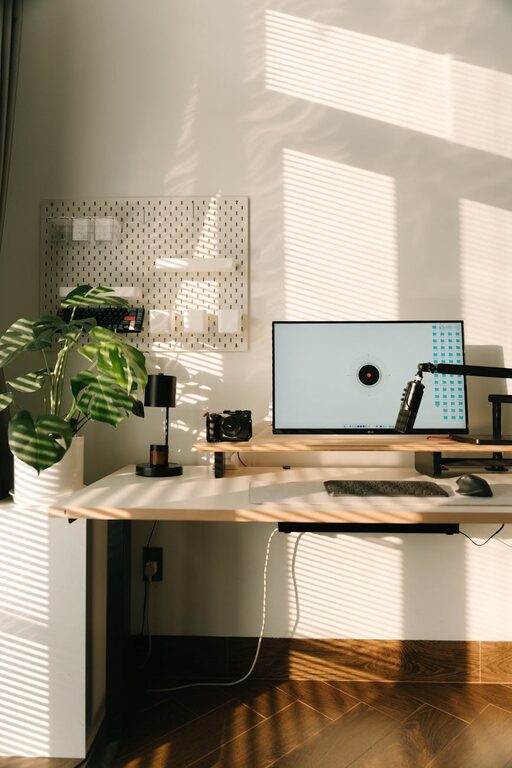
Creating a cozy and functional home workspace is essential in today’s work-from-home culture. Whether you’re setting up a dedicated office or carving out a small corner, having a space tailored to your needs can boost your productivity and make your workday more enjoyable. In this post, we’ll explore useful tips to help you design a workspace that combines comfort with functionality.
Why a Cozy and Functional Workspace Matters
Your workspace influences your mood, focus, and overall work quality. A cluttered, uncomfortable area can lead to distractions, fatigue, and stress. On the other hand, a well-organized and inviting setup encourages creativity, reduces distractions, and supports better work habits. Let’s look at how to achieve that balance.
Choosing the Right Location
Consider natural light
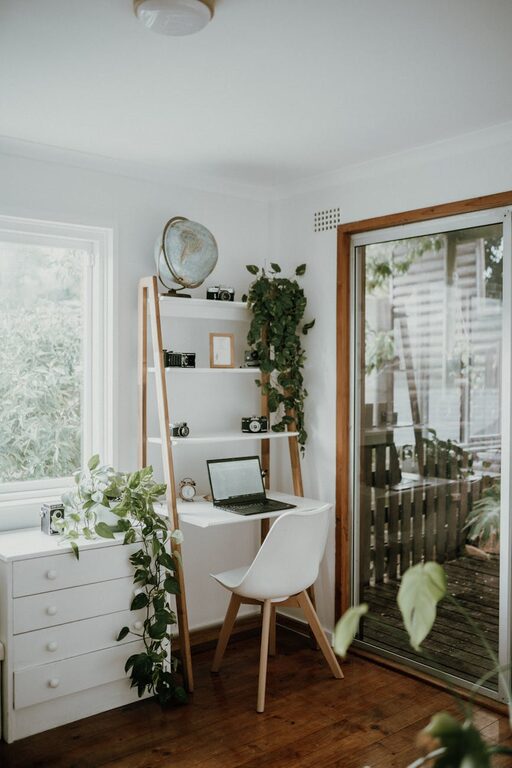
Set up your workspace near a window if possible. Natural light improves mood and reduces eye strain. Position your desk so that the sunlight doesn’t cause glare on your screen but still brightens the area.
Minimize distractions
Pick a quiet spot away from high-traffic areas like the kitchen or living room. A separate room is ideal, but if space is limited, use room dividers or screens to create a dedicated zone.
Ergonomic Furniture for Comfort
Select a good chair
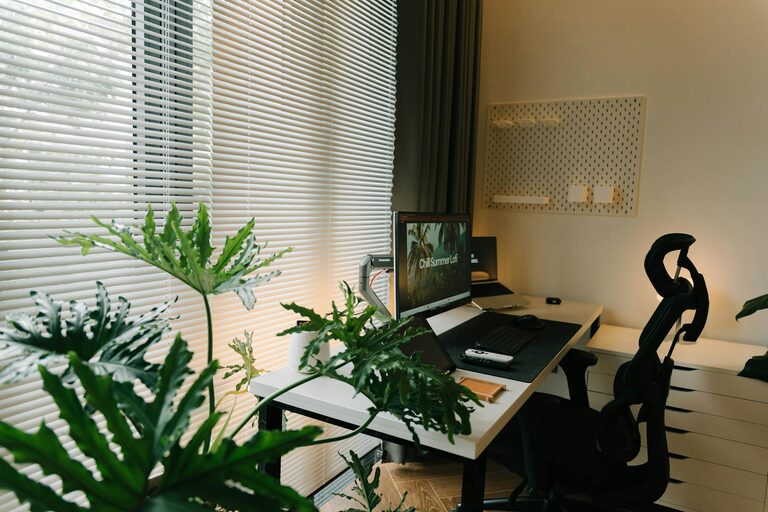
Invest in an ergonomic chair that supports your back and encourages good posture. Adjustable height and lumbar support make a significant difference during long work sessions.
Desk choice matters
Choose a desk with enough surface area for your computer, notebooks, and any other tools you use regularly. If possible, consider a height-adjustable desk to alternate between sitting and standing.
Organizing Your Workspace
Keep it clutter-free
Use shelves, drawers, or organizers to store supplies and keep your desk clear. A tidy space helps your mind focus and reduces stress.
Cable management
Tidy up wires with cable clips, sleeves, or under-desk trays. This keeps the area neat and prevents accidents.
Personalizing Your Space
Add cozy touches
Incorporate soft textiles like cushions, a throw blanket, or a small rug to make the space feel inviting.
Use inspiring decor
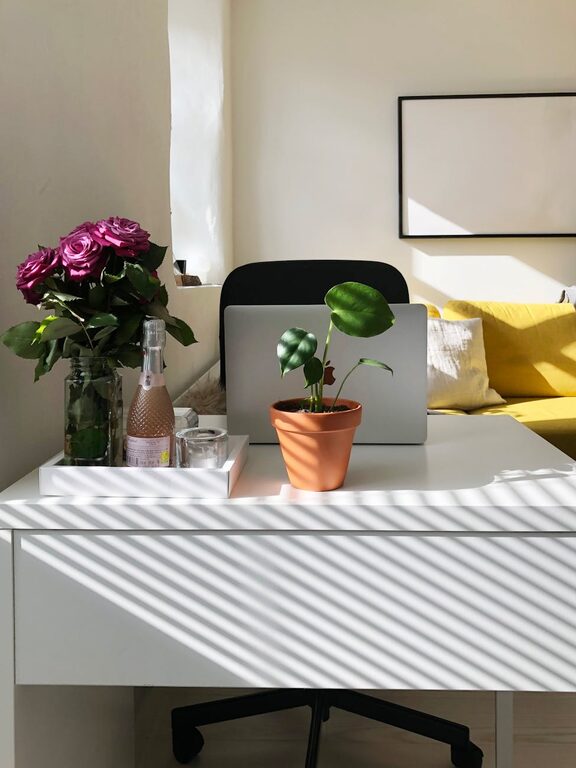
Put up artwork, photos, or plants that motivate you without overwhelming the workspace. Greenery, in particular, can enhance air quality and provide a calming effect.
Lighting for Productivity
Combine natural and artificial light
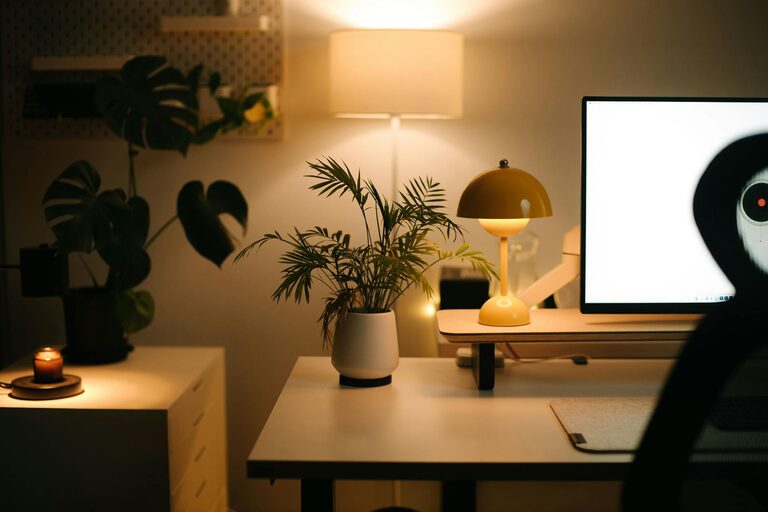
Use desk lamps or overhead lighting with adjustable brightness to supplement natural light, especially during darker hours.
Avoid harsh lighting
Choose warm or soft white bulbs that reduce glare and create a comfortable environment for your eyes.
Technology Setup
Equip your workspace
Ensure your computer, monitor, keyboard, and mouse are positioned to reduce strain. A second screen can increase efficiency if your tasks require it.
Use noise control tools
If noise is an issue, consider noise-canceling headphones or white noise machines to improve concentration.
Time Management and Breaks
Designate work hours
Set clear boundaries for working time to separate work from personal life.
Take regular breaks
Step away from your desk periodically to stretch or take a short walk. This refreshes your mind and boosts productivity.
Maintenance Tips
Regular cleaning
Keep your workspace clean and dust-free to maintain a pleasant environment.
Periodic reassessment
Every few months, evaluate your workspace setup to see if any changes can improve comfort or efficiency.
Final Thoughts
Designing a home workspace that is both cozy and functional helps create a balanced environment where work feels less like a chore. By carefully choosing your location, furniture, organization methods, and personal touches, you can build a space that supports your productivity while making you feel comfortable and inspired every day. Remember, a little effort invested in your workspace setup pays off in creativity and efficiency. Happy decorating!
About the Author